
Your group, big, on the TV.
The ranking, the match being played, the tournament or a contest's podium, live on a TV or a kiosk. Everyone follows from the couch, and you run it from your phone.
Three moves
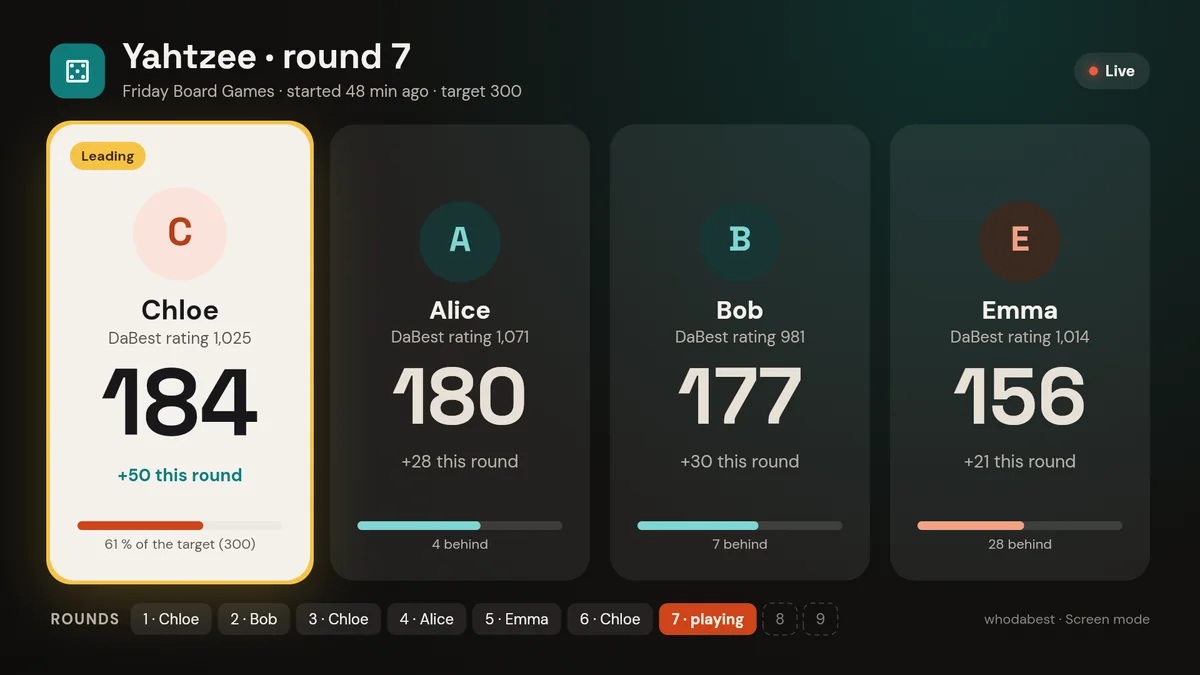
On the screen in under a minute
Open the screen
whodabest.app/tv in the TV's browser, or the app on an Android TV, a tablet or a kiosk. The screen shows a code and a QR.
Open your group
In the app, tap "Show on a screen" in your group.
Scan or type the code
Your group appears on the screen, with no account to create on the TV.
What the TV shows
More than ten views, and the TV turns through them
Pick a view from your phone, or let the screen turn: the view changes every 20 seconds.
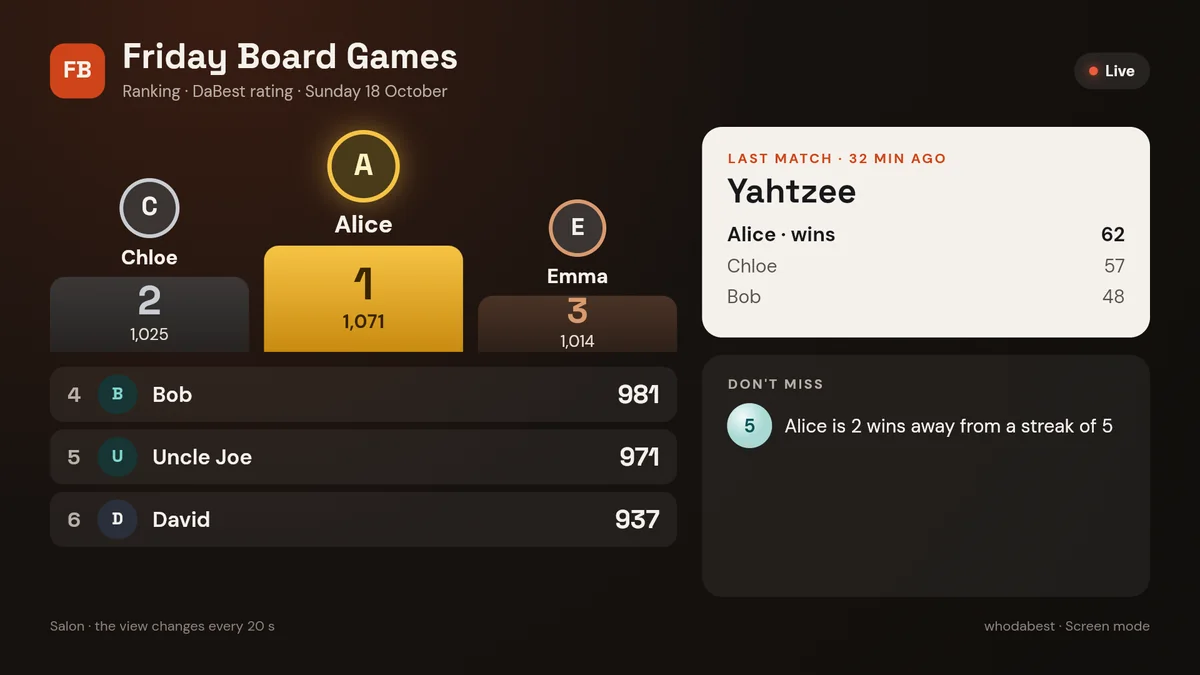
The ranking. The group's podium by DaBest rating, the last match and what not to miss.
Kiosk or tablet
Upright too
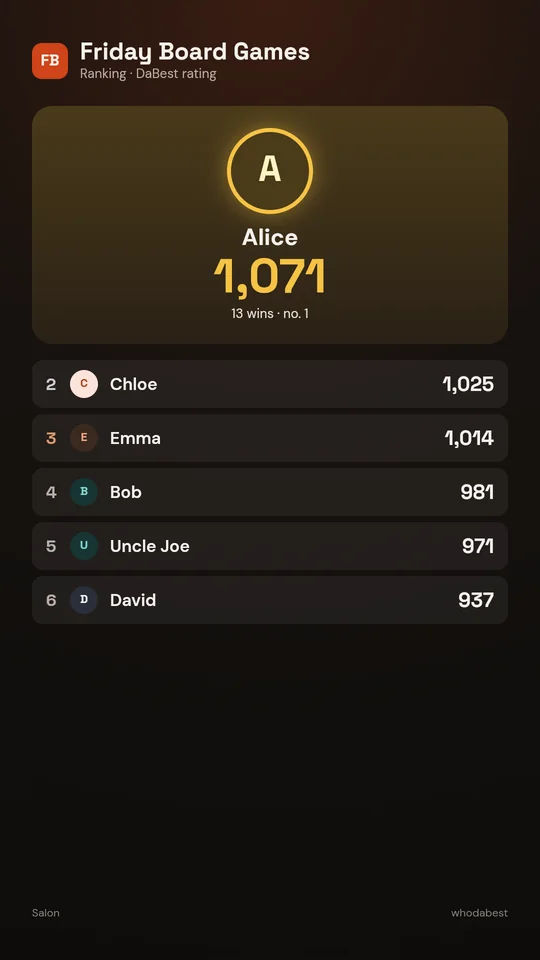
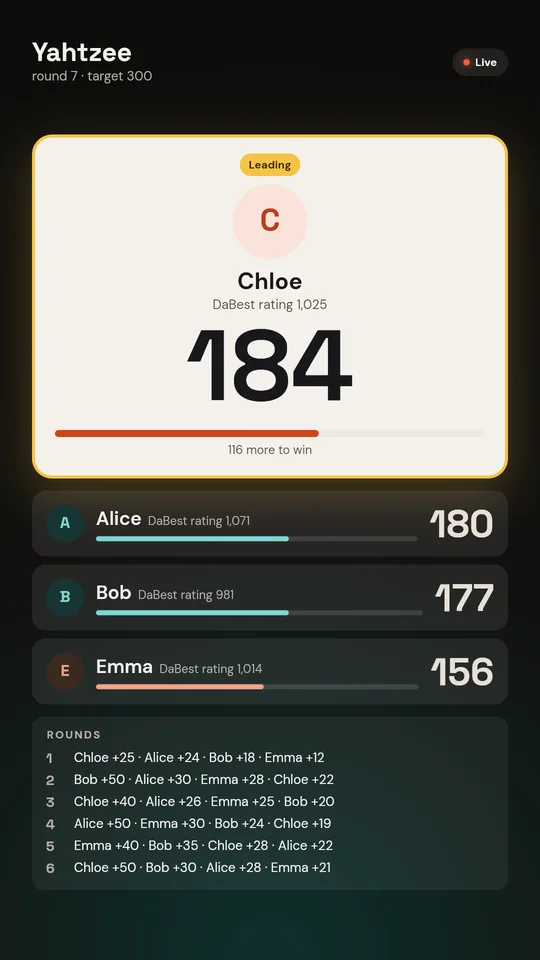
Put a tablet or a kiosk by the door: the screen turns to portrait on its own.
- Touch is for browsing the views; scores are still entered on phones.
- The live match, the tournament or a contest's podium also show in portrait.
- An Android TV opens the big screen on its own.
From your phone
You drive, the TV follows
- The rotationRanking, match being played, tournament, today's numbers: the TV turns on its own, or stays on the view you pick.
- The match comes firstAs soon as a match starts, it takes the screen, then the rotation resumes.
- The live revealA countdown during the vote, then the podium revealed place by place when you decide.
- Any screenA TV with a browser, an Android TV, a tablet or a computer plugged into a projector.
Included in Premium
The big screen is part of Premium: one screen for your group, and the whole group enjoys it.
A bar, a shop or a club? Up to 5 screens in your colours with Premium+. For venues